There’s a moment every smartphone user knows too well. You unplug your phone at 100%, confident it’ll last the day—and by mid-afternoon, it’s already flirting with low power mode. You scroll back mentally, trying to figure out what you did wrong. No gaming marathon. No endless video calls. Just… normal use.
As a tech reporter, I hear this complaint constantly. And after testing dozens of phones across price ranges, I can tell you this: fast battery drain is rarely about battery size alone. It’s about what your phone is doing quietly in the background—and what we unknowingly allow it to do.
Modern smartphones don’t just wait for your input. They anticipate, update, track, sync, notify, and refresh constantly. All of that convenience comes at a cost.
Let’s talk about where your battery is really going.
Your Phone Is Always Working—Even When You’re Not
The biggest misconception about battery drain is that it only happens during active use. In reality, much of the drain happens while your phone appears idle.
Apps refresh content in the background. Location services keep pinging satellites. Notifications check in with servers. Cloud services sync photos and data. Your phone is essentially multitasking 24/7.
Individually, these tasks use small amounts of power. Together, they quietly eat away at your battery.
Notifications Are a Hidden Battery Killer
Every notification wakes up your screen, lights up pixels, activates vibration motors, and briefly engages the processor.
Now multiply that by dozens—sometimes hundreds—of notifications per day.
Social media alerts, shopping offers, news updates, game reminders. Most of them aren’t urgent, but your phone treats them all like they matter.
Reducing notifications doesn’t just improve focus—it noticeably improves battery life. Fewer interruptions mean fewer wake-ups, and fewer wake-ups mean less power consumption.
Screen Brightness Is Draining More Than You Think
Your phone’s display is the single biggest battery consumer.
Modern screens are stunning, but they’re also power-hungry—especially at high brightness. Auto-brightness often pushes levels higher than necessary, particularly outdoors or in bright rooms.
If your screen feels dazzling indoors, it’s probably working harder than it needs to. Lowering brightness slightly can extend battery life more than most people expect.
This isn’t about dimming your phone into discomfort—it’s about finding a balanced default.
Background App Activity Adds Up Quickly
Many apps are designed to stay active even when you’re not using them. Social media apps refresh feeds. Email apps check servers. Shopping apps track prices. Fitness apps monitor movement.
Some of this is useful. Much of it isn’t.
The problem is that background activity is invisible. You don’t feel it happening, but your battery does.
Checking which apps consume the most battery often reveals surprises—apps you barely use quietly sitting at the top of the list.
Location Services Are Rarely Used Responsibly
Location access is one of the most power-intensive features on your phone.
Yet many apps request “always-on” location access by default—even when their core function doesn’t require it.
Weather apps, food apps, ride apps, and social platforms often track location far more frequently than necessary.
Switching location permissions to “while using the app” dramatically reduces unnecessary GPS activity—and protects privacy at the same time.
Poor Network Signal Forces Your Phone to Work Harder
This is one cause people rarely consider.
When your phone struggles to find a stable signal—whether mobile data or Wi-Fi—it increases power usage to maintain connectivity. This happens often in elevators, basements, crowded areas, or regions with weak coverage.
If you’ve noticed your battery draining faster in certain places, network struggle is likely the reason.
Switching to airplane mode in low-signal areas can save significant battery, especially if you’re not actively using the phone.
Push Email and Constant Syncing
Instant email updates feel productive, but they come at a cost.
Push email means your phone constantly checks for new messages. Combine that with multiple accounts, cloud backups, photo syncing, and document updates—and your phone never truly rests.
Reducing sync frequency or limiting background syncing for non-essential accounts can extend battery life without affecting usability.
Live Wallpapers, Widgets, and Visual Effects
They look great—but they’re not free.
Live wallpapers, animated widgets, and constant motion effects keep parts of the screen and processor active longer than static elements.
On high-end phones, the impact is smaller. On mid-range or older devices, it’s noticeable.
Simplifying your home screen can make your phone feel faster and last longer—two wins for the price of one.
Aging Batteries and Charging Habits
Sometimes the issue isn’t settings—it’s chemistry.
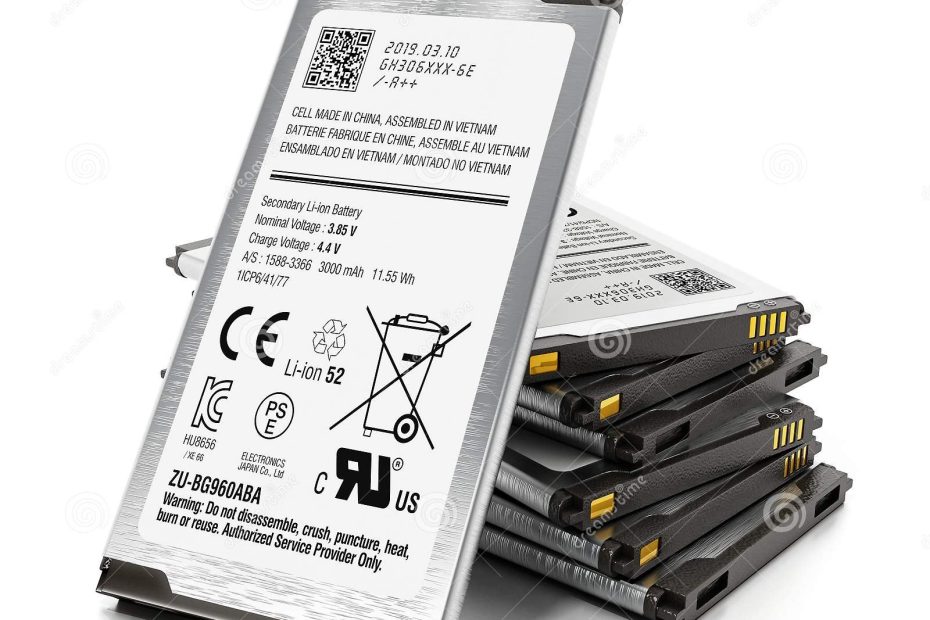
Lithium-ion batteries degrade over time. After two or three years, reduced capacity is normal. But poor charging habits accelerate the process.
Regularly draining your battery to zero, keeping it at 100% for long periods, or exposing it to heat all shorten battery lifespan.
You don’t need to obsess—but gentle habits help batteries age more gracefully.
Software Updates Aren’t Always the Villain
People often blame updates for battery drain, and sometimes they’re right—temporarily.
After major updates, phones re-index data, optimize apps, and sync files. This process can cause increased drain for a few days.
But long-term, updates often improve efficiency and security. If battery drain persists weeks after an update, something else is likely at play.
The Bigger Truth About Battery Anxiety
Battery drain feels personal because smartphones are personal.
A dying battery disrupts communication, navigation, work, and entertainment. It creates anxiety out of proportion to its size.
But most battery issues are fixable—not by buying new phones, but by understanding what’s quietly happening inside the ones we already own.
Start With Awareness, Not Replacement
Before you consider replacing your phone, check battery usage stats. Adjust notifications. Limit background activity. Revisit location permissions.
Small changes often lead to big improvements.
Your phone battery isn’t failing you out of spite. It’s responding to constant demands—many of which you never agreed to.
Take control back, and your phone will quietly start lasting longer.